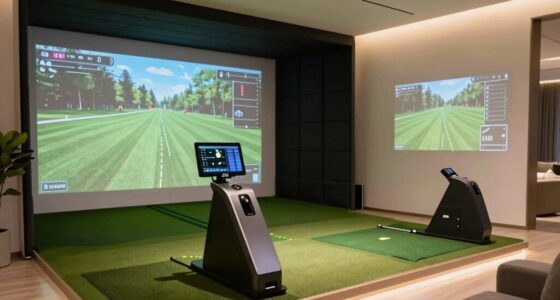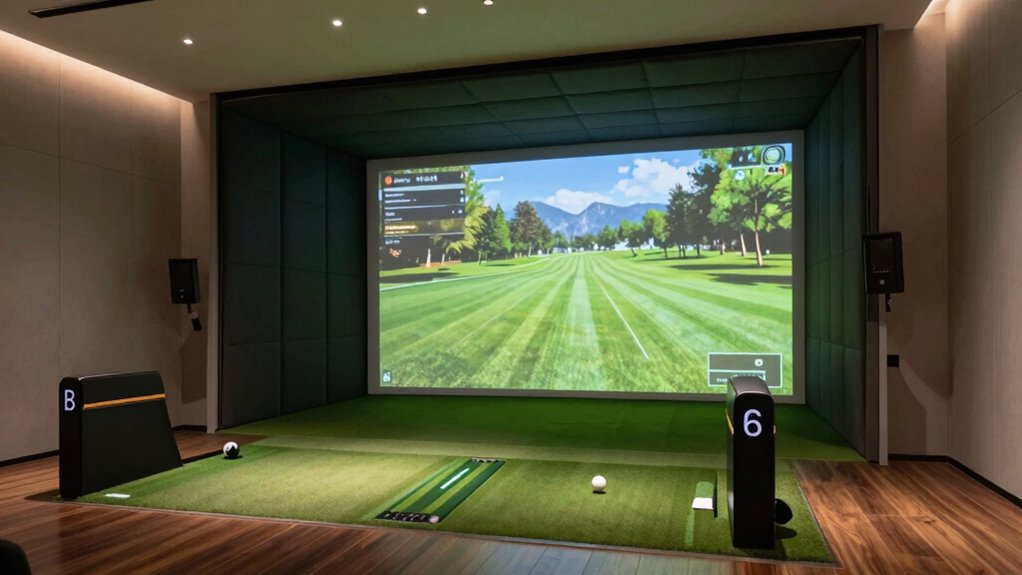

Building a home golf simulator is doable if you plan carefully and stick to a budget. Focus on essential equipment like a good hitting mat, a reliable projector or monitor, and sensors that fit your space. Use DIY solutions and existing lamps to cut costs on lighting. Upgrade components gradually over time to avoid overspending. With smart choices, you can create a functional setup that’s fun and sustainable—if you keep exploring, you’ll discover even more tips to make it perfect.
Key Takeaways
- Building a home golf simulator requires careful budgeting, prioritizing core components like hitting mats and projectors over luxury upgrades.
- DIY solutions can significantly reduce costs but may require extra effort and technical skills.
- Proper lighting is essential for accurate shot tracking; balance quality and expense to avoid unnecessary costs.
- Upgrading equipment gradually allows for a functional setup without overspending initially.
- Long-term enjoyment depends on thoughtful planning, sustainable components, and creating an environment that enhances skill development.
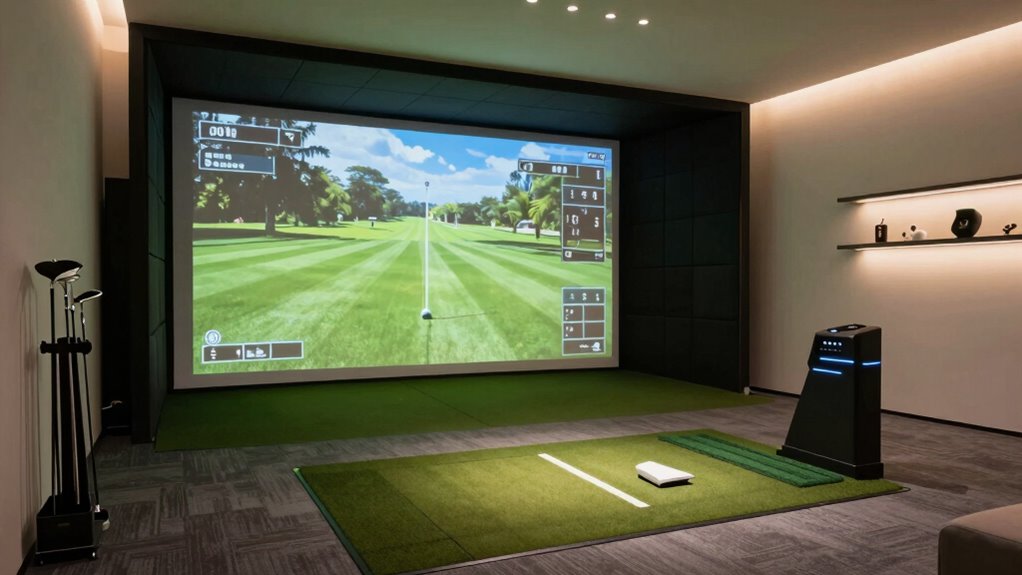
When planning your home golf simulator, you also need to weigh your budget. Building a setup that fits your financial constraints requires careful planning. You don’t have to purchase the most expensive equipment right away. Instead, focus on the essentials—such as a quality hitting mat, a reliable projector or monitor, and a sensor system compatible with your space. You can always upgrade components over time. Keep in mind that indoor lighting costs can add up, especially if you opt for high-end fixtures or multiple light sources. Be strategic about your spending by prioritizing features that impact your game most, like a good screen or hitting area, before investing heavily in lighting. Also, consider DIY options for some elements, like constructing your own screen or using existing lamps creatively. This approach helps keep costs down while still delivering a functional and enjoyable simulator.
Balancing indoor lighting and budget considerations is vital to creating a practical, effective golf simulator. You want enough light to see clearly and track your shots accurately, but not so much that it inflates your expenses unnecessarily. Think about energy-efficient LED options that provide bright illumination without running up your electricity bill. When it comes to budgeting, be realistic about what you need versus what’s nice to have. Focus on the core components first, then add accessories or upgrades as your budget allows. With thoughtful planning, you can develop a home golf simulator that not only enhances your skills but also fits comfortably within your financial means. Ultimately, a well-lit environment and a sensible budget make your setup more enjoyable, functional, and sustainable over the long term.
As an affiliate, we earn on qualifying purchases.
Frequently Asked Questions
What’s the Average Cost of a Home Golf Simulator?
You can expect to spend around $10,000 to $50,000 on a home golf simulator. The cost depends on the quality of the golf ball tracking system, screen, and space. With this setup, you’ll get detailed swing analysis and the ability to practice year-round. Keep in mind, higher-end models offer advanced features, but even mid-range options provide accurate swing data and a realistic golf experience.
How Much Space Is Needed for Installation?
You’ll need about 10 by 12 feet of space, but room dimensions matter. A minimum of 10 feet in width and length provides enough room for your swing and equipment. Make sure the ceiling height is at least 9 feet to comfortably swing without feeling cramped or risking damage. Adequate space allows you to set up your golf simulator properly, making your practice sessions more enjoyable and effective.
Can I Customize the Simulator for Different Skill Levels?
Ever wonder if your golf simulator can grow with your skills? Absolutely! You can customize the simulator for different skill levels through skill level adjustments and custom feature options. These features allow you to fine-tune the difficulty, set specific practice goals, or add advanced challenges. This flexibility guarantees your simulator remains engaging and useful, no matter whether you’re a beginner or a seasoned pro.
What Safety Precautions Are Necessary During Setup?
When setting up your golf simulator, prioritize safety by wearing appropriate safety gear like gloves and eye protection. Make sure all electrical connections follow safety standards to prevent shocks or fires. Keep the workspace clear of clutter, and double-check that power cords are securely connected and away from walkways. If you’re unsure about electrical safety, consult a professional. These precautions help create a safe environment for building and enjoying your simulator.
How Do I Maintain and Update the Simulator Software?
Did you know regular software updates can improve your golf simulator’s accuracy by up to 20%? To keep it running smoothly, you should regularly check for software updates and install them promptly. Also, perform hardware maintenance like cleaning sensors and ensuring connections are secure. Staying on top of these tasks guarantees your simulator stays current, reliable, and provides the best possible golf experience.
As an affiliate, we earn on qualifying purchases.
Conclusion
Building a golf simulator at home might seem intimidating, but with the right planning, it’s well within your reach. Remember, Rome wasn’t built in a day, so don’t get discouraged by setbacks. Patience and persistence will pay off as you create a space tailored to your swing. Soon enough, you’ll be practicing your shots whenever you want, turning your home into a true golfer’s paradise. Keep swinging, and watch your game improve!
As an affiliate, we earn on qualifying purchases.
As an affiliate, we earn on qualifying purchases.